Shipping the item
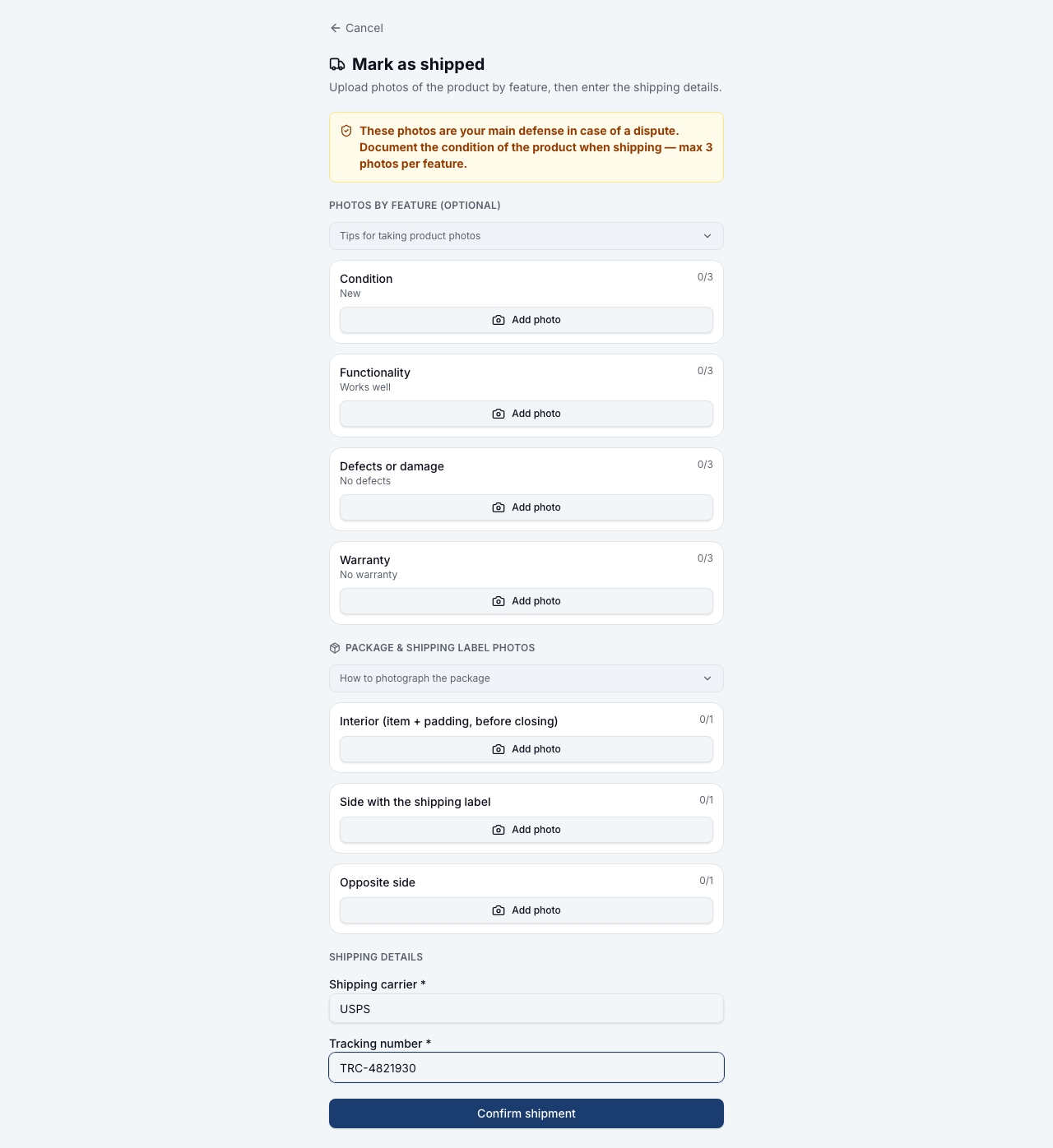
Once the buyer pays and the item ships (rather than being handed over in person), open the transaction and mark it as shipped. Enter the carrier and tracking number — those are required — and, if you want extra peace of mind, photos of the item as you’re packing it and of the package itself (optional, but they become part of the record if a dispute ever comes up).
The buyer’s inspection period — the 1, 3, 7, or 14 days you chose when listing — starts counting from this moment. Next, the buyer checks the item: see Checking the item against the listing.
Handing the item over in person instead? See Meeting the buyer in person.