Opening a payment link
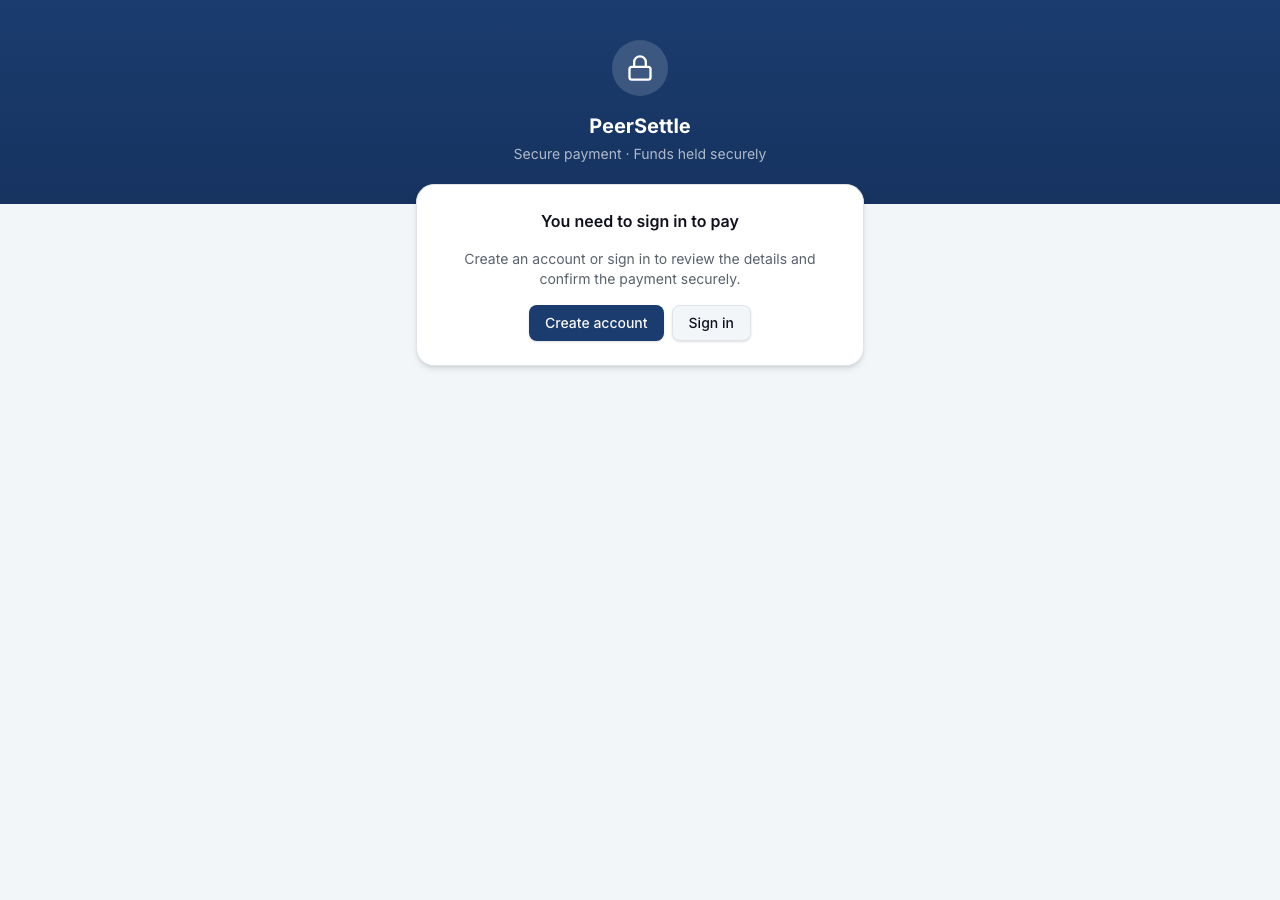
When a seller sends you a PeerSettle link, open it. If you don’t have an account yet, you’ll be prompted to create one or sign in first — then you’re brought right back to the same link, no need to find it again.
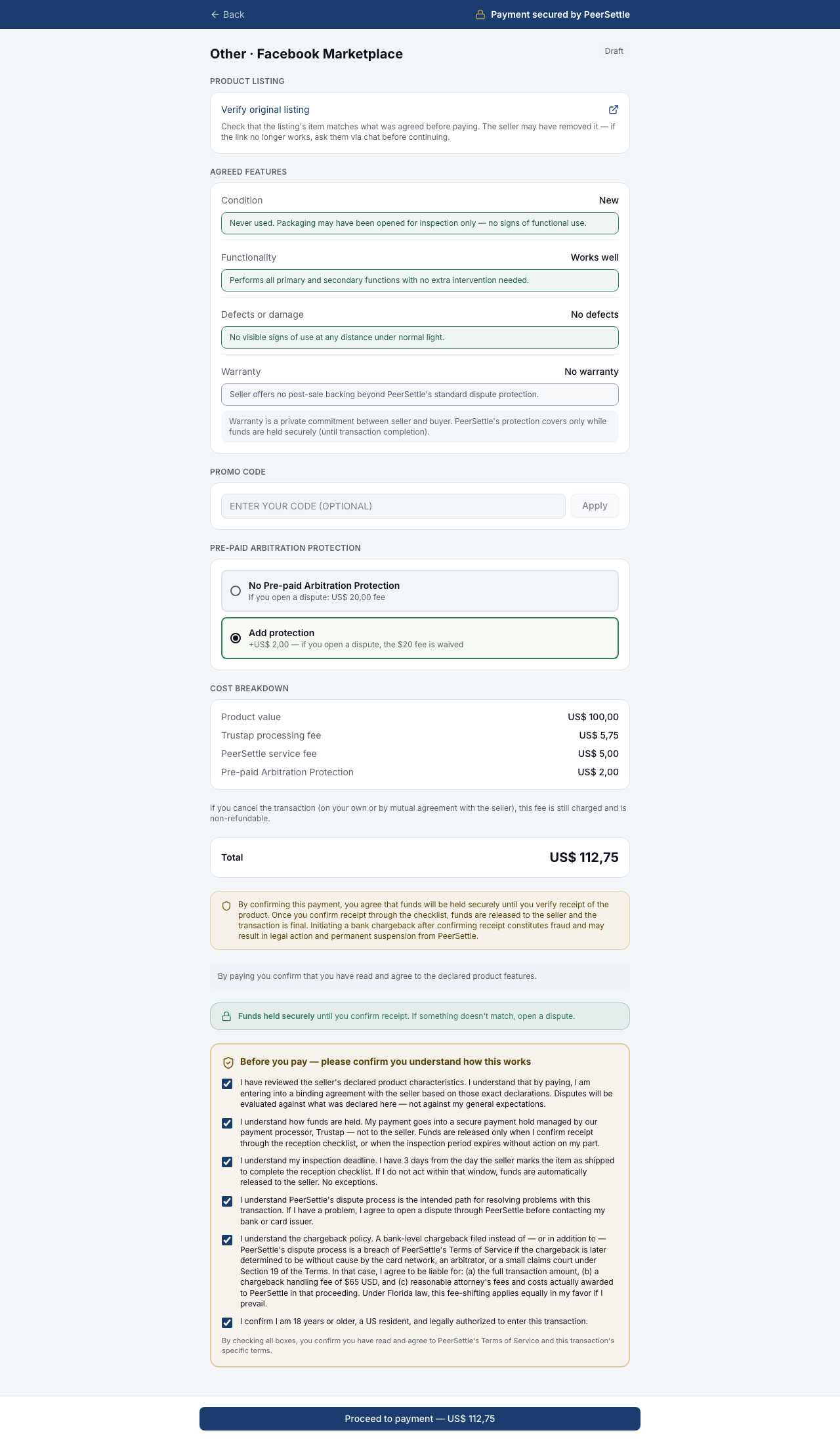
Once you’re signed in, you’ll see everything the seller declared about the item: condition, specs, photos of the original listing, the agreed price, and the full cost breakdown, including your own option to add Pre-paid Arbitration Protection. Next: Verifying your identity (first time only), then Paying securely.
If the link says the transaction can’t be found, or redirects you somewhere unexpected, see Troubleshooting.