Creating your account
Go to peersettle.com and click Create account. You’ll need your name, your country, an email, and a password with at least 8 characters, including letters and numbers. You can also sign up with your Google account in one click — PeerSettle only uses it to confirm who you are, nothing else.
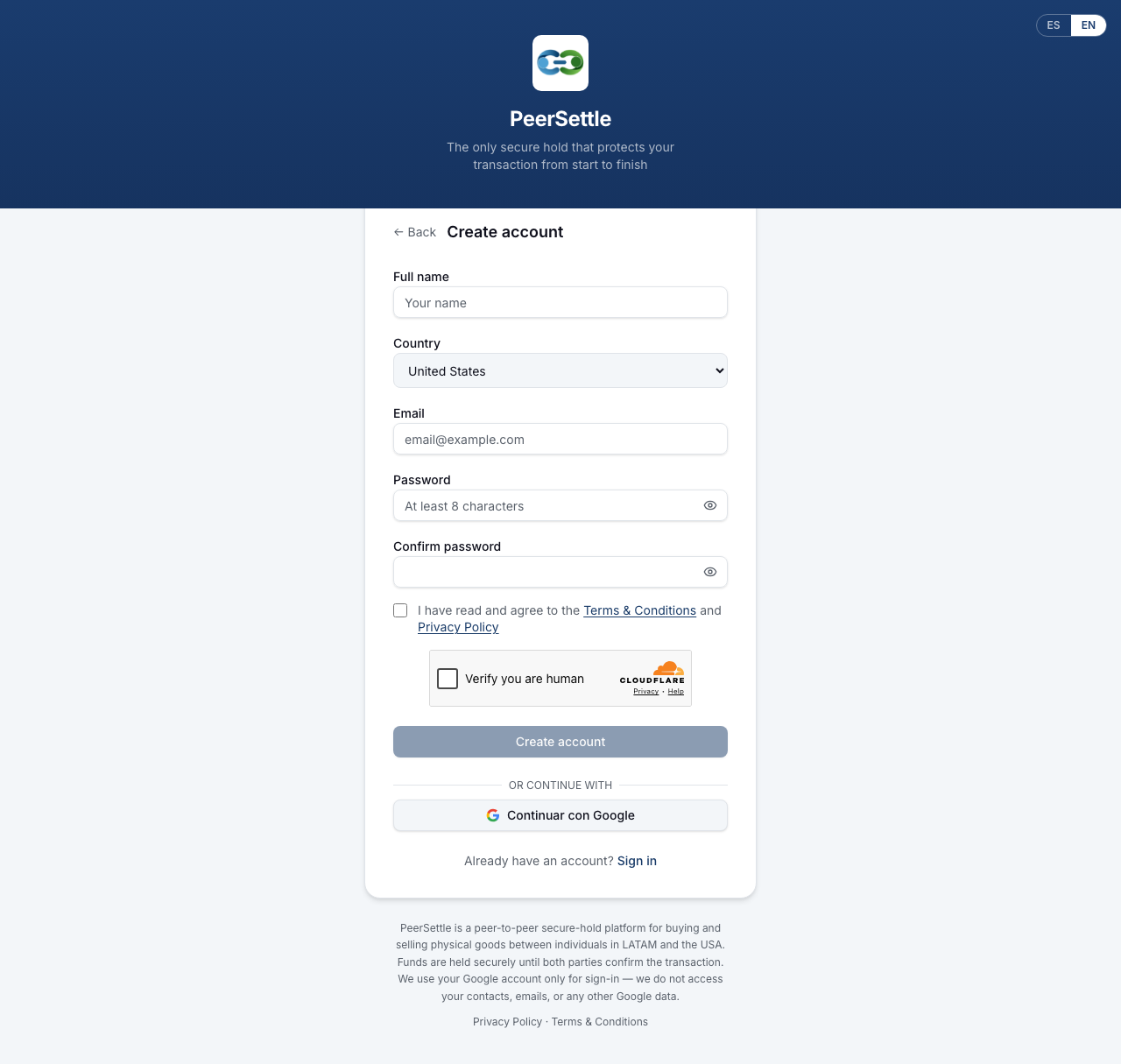
You’ll see a quick human-verification check (Cloudflare Turnstile) before the button unlocks — that’s there to keep fake accounts out, not to slow you down. It usually clears itself in a second or two. If it gets stuck on “Verifying…” and never finishes, see Troubleshooting.
Agree to the Terms & Conditions and Privacy Policy, and you’re in.
Already have an account? See Signing in instead.